Snow Removal Log Sheet: What to Record Every Storm (Service, Route and Salt Logs) (+ Free Forms)
A practical record-keeping method for snow plowing and shoveling businesses: the three logs to keep, the fields that matter, how to measure snowfall and time each stop, and how one night of notes becomes clean invoices and a defensible record, with a worked example you can copy.
Why every snow business needs a log
Snow work happens at night, in bad weather, across many properties, and usually in a hurry. By morning it is easy to forget which driveway got salted, what time you reached the deli lot, or whether the second push at the corner house happened before or after the drifting. A week later, when a client questions an invoice or someone slips on a sidewalk, memory is not much help.
A snow removal log fixes that. It is a simple written record, filled in during or right after each stop, of when you arrived and left, how much snow was on the ground, what you did, and how much salt or ice melt you put down. It turns into your invoices, it shows which properties take longer than you priced, and it gives you and your insurance agent a factual record if a claim ever comes up.
This page is about record-keeping. For what to charge, see snow removal pricing. For billing each storm, see the snow removal invoice template guide; for terms such as triggers, clear-by times and slip-and-fall language, see the snow removal contract template guide; and for what to ask before the season, see the snow removal client questionnaire.
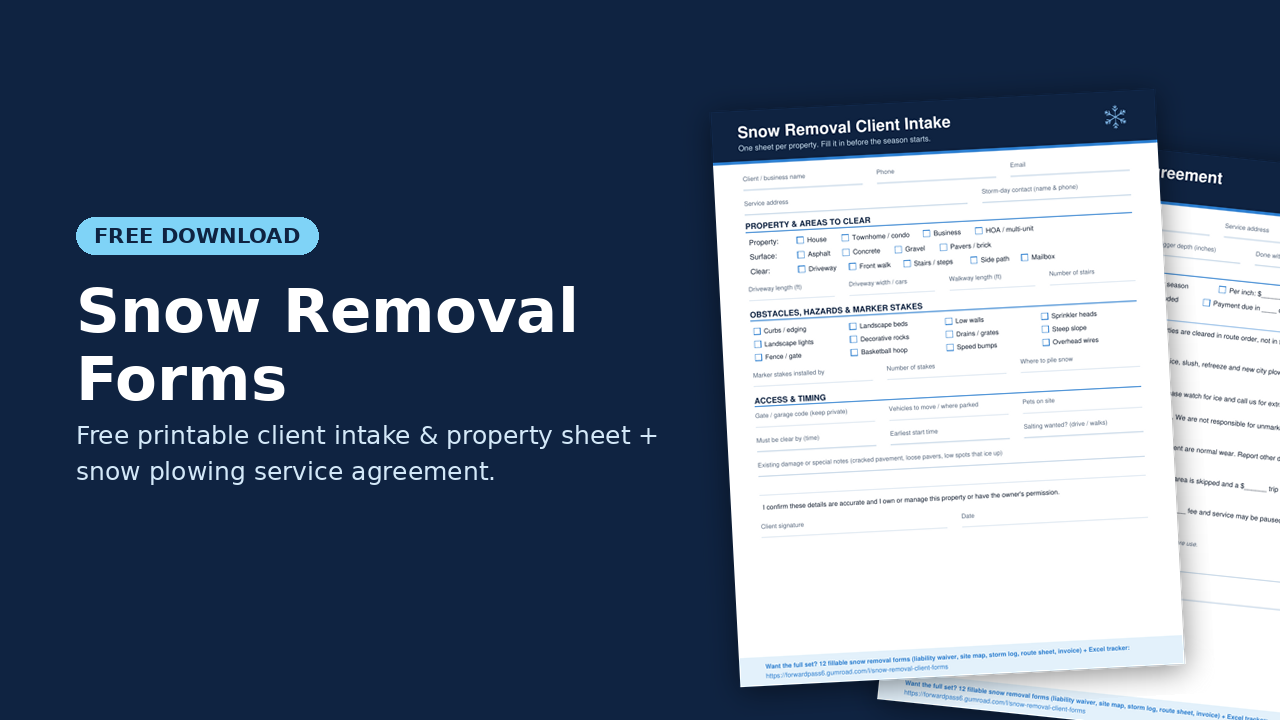
Free Snow Removal Forms
A printable client intake & property sheet plus a simple snow plowing service agreement for plowing and shoveling businesses.
Download free →The three logs most snow businesses keep
You can keep everything on one sheet, but most operators find it easier to split the record into three short logs that each answer one question.
| Log | Question it answers | Filled in | Used for |
|---|---|---|---|
| Per-storm service log | What did we do at each property, and when? | At every stop, during the storm | Invoices, disputes, slip-and-fall records, re-service calls |
| Route sheet | In what order are we visiting properties, and how long does each take? | Planned before the storm, times added during the route | Planning, clear-by times, finding properties that are underpriced |
| Salt & ice-melt log | How much material went where, and how much is left? | At every stop where material is applied, plus a stock count after the storm | Billing material, reordering, showing that de-icing was done |
Paper on a clipboard works, and so does a phone note or spreadsheet. What matters is that the same fields get filled in at every stop, every storm, by every person on the crew.
What to record on the per-storm service log
Each line of the service log is one visit to one property. Keep the fields short so they get filled in even at 4 a.m.
| Field | Why it matters | Example entry |
|---|---|---|
| Date and storm name or number | Ties every visit to a specific event | Jan 7, storm #3 |
| Property and client | Matches the log line to the client and the invoice | 12 Oak St, R. Diaz |
| Arrival and departure time | Proves when service happened and how long it took | 5:10 a.m. to 5:28 a.m. |
| Snow depth on arrival | Shows whether the trigger depth was met and supports per-inch pricing | About 6 in, measured in a flat spot |
| Conditions | Explains drifting, freezing rain or snow still falling | Snow still falling, light wind |
| Services performed | Lists exactly what was done, matching the agreement | Plowed driveway, shoveled front walk and steps |
| Material applied | Records de-icing at this stop | Ice melt on walk and steps, half a 50 lb bag |
| Push number | Separates first push, second push and cleanup | Push 1 of 2 |
| Photos taken | Links the log to visual proof | Before and after, 2 photos |
| Damage or hazards noticed | Records problems before anyone else reports them | Mailbox already leaning; noted and photographed |
| Initials | Shows who did the work | JM |
If the agreement says you clear when snow reaches a trigger depth, the depth on arrival is the most important number on the line. If the agreement includes salting, the material field is what shows it was done.
How to measure and record snowfall
Clients, crew members and weather apps often disagree about how much snow fell. Record your own measurement at each property so the number on the log is one you can explain.
- Use a ruler or yardstick in a flat, open spot away from drifts, walls and the plow pile, such as the middle of the lawn.
- Push the ruler straight down to the ground or the hard surface underneath and read the depth.
- Take a few readings in different spots and write down a typical value, or a range if drifting makes it uneven.
- Note whether snow was still falling, because depth keeps changing during the storm.
- Take a photo of the ruler in the snow if your agreement uses per-inch pricing or a trigger depth.
Many operators also note an outside reference for the storm, such as the snowfall totals published by the National Weather Service for their area, so the log shows both what they measured on site and what was reported for the region. Your on-site measurement is still the one that describes the property you cleared.
The route sheet: planning order and timing each stop
A route sheet is your plan for the storm. Before the snow starts, list properties in the order you will visit them, with the clear-by time the client expects and the services in the agreement. During the storm, fill in the actual times.
| Column | What to write | Why |
|---|---|---|
| Stop number | 1, 2, 3 in the order you plan to drive | Keeps the crew on the same plan |
| Property and access notes | Address, gate code, where to stack snow, obstacles to avoid | Saves time and prevents damage in the dark |
| Clear-by time | The time in the agreement, such as before 7 a.m. or before opening | Puts commercial and early clients first |
| Planned services | Plow, shovel, salt, walks, steps, mailbox, hydrant | Matches the log to the agreement |
| Actual arrival and departure | Filled in during the route | Shows real time on site |
| Minutes on site | Departure minus arrival | Compares real time with the time you priced |
| Notes | Cars in the driveway, re-service needed, damage seen | Flags follow-ups for the morning |
After a few storms, the minutes-on-site column becomes one of your most useful numbers. If a driveway you priced as a 15-minute stop keeps taking 30, the route sheet is the evidence for adjusting the price at renewal.
The salt and ice-melt log
Material is a real cost, it runs out at the worst moment, and de-icing is often the service that matters most if someone slips. A short material log handles all three.
| Field | Example entry |
|---|---|
| Date, storm and property | Jan 7, storm #3, 7 Birch Ct |
| Material type | Rock salt, or the ice-melt product named in the agreement |
| Amount applied | 1 bag (50 lb), or scoops / spreader passes if you use bulk |
| Areas treated | Driveway apron, front walk, steps |
| Time applied | 6:25 a.m. |
| Reason | Included in agreement, or requested extra (billable) |
After each storm, count what is left. Starting stock minus material used should equal what is in the truck and the garage; if it does not, something was not logged. Many operators also set their own reorder point, such as enough material for the next two storms on their route, so a long cold stretch does not leave them empty.
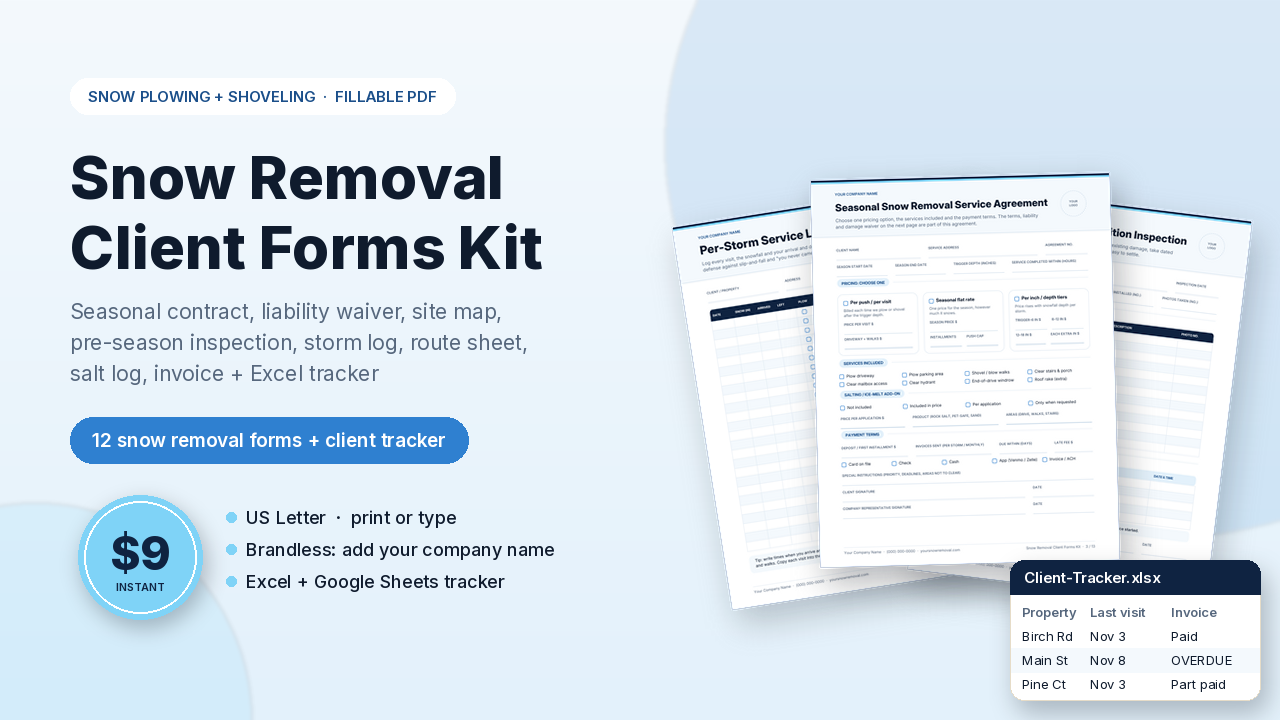
Snow Removal Client Forms Kit
12 fillable forms (intake & property info, seasonal service agreement with per-push, seasonal and per-inch pricing, liability & damage waiver, site map, pre-season inspection, quote, per-storm service log, route sheet, salt & ice-melt log, invoice, damage report, renewal) plus an Excel client tracker.
Get it →Worked example: one storm, five stops
Here is how one early-morning route looks on the route sheet and service log. The storm brought about 6 inches, the trigger in each agreement is 2 inches, and the crew uses 50 lb bags of ice melt.
| Stop | Arrive | Leave | Minutes on site | Work done (example) | Material |
|---|---|---|---|---|---|
| 1. 12 Oak St (driveway) | 5:10 | 5:28 | 18 | Plowed, shoveled walk | Half a bag (25 lb) |
| 2. 40 Maple Ave (driveway) | 5:40 | 5:55 | 15 | Plowed only | None |
| 3. 7 Birch Ct (driveway, steps) | 6:05 | 6:31 | 26 | Plowed, shoveled, salted | 1 bag (50 lb) |
| 4. Corner deli lot (commercial) | 6:45 | 7:30 | 45 | Plowed lot, salted entrance | 3 bags (150 lb) |
| 5. 19 Cedar Ln (steps only) | 7:42 | 7:58 | 16 | Shoveled steps, salted | Half a bag (25 lb) |
The totals check out: time on site is 18 + 15 + 26 + 45 + 16 = 120 minutes, or 2 hours. Driving between stops is 12 + 10 + 14 + 12 = 48 minutes. Together that is 168 minutes, which matches the route from 5:10 to 7:58 (2 hours and 48 minutes). Material used is 25 + 0 + 50 + 150 + 25 = 250 lb, or 5 bags of 50 lb. If the truck started with 40 bags, the stock count after the storm should be 35.
Three things stand out from this one storm. The deli lot met its 7:30 clear-by time with no margin, so it may need to move earlier on the route. Stop 3 took 26 minutes, so if it was priced as a quick driveway the price may be low. And every invoice for this storm can now be written from the log in a few minutes.
Example only. Addresses, times, prices and amounts are made up to show the method; use your own records, rates and agreements.
Photos: what makes a log entry useful
A log line plus a photo is much stronger than either one alone. You do not need many photos, just the right ones, taken the same way every time.
- Before: one wide photo showing the snow on the property on arrival, ideally with a ruler in the snow if depth matters.
- After: one wide photo of the cleared surface, showing walks and steps if they are in the agreement.
- Material: a photo of the salted area, especially entrances, steps and ramps.
- Problems: close-ups of cars blocking the driveway, existing damage, or hazards you could not treat.
Most phones store the date and time with each photo; leave that setting on and do not edit the originals. Back photos up after each storm and file them by date and property so you can find the January 7 photos for 12 Oak St in seconds.
Residential vs commercial logging
The same log works for both, but commercial clients usually expect more detail.
| Topic | Residential driveways | Commercial lots |
|---|---|---|
| Clear-by time | Often before the client leaves for work | Often before opening, written into the agreement |
| Detail per visit | Arrival, departure, depth, services, salt | The same, plus each area (lot, entrances, sidewalks, ramps) and each application |
| Re-service | After the storm ends, or on request | Often scheduled at intervals during long storms; log each visit |
| Material | Bags per stop | Bags or bulk amounts per area, sometimes billed separately |
| Reports to client | Usually just the invoice | Some clients ask for a copy of the log with each invoice |
If a commercial client asks for logs, send them in the same format every time, matched to the invoice dates. It builds trust and makes your next renewal easier.
Turning the log into invoices and season summaries
When every visit is logged, billing becomes copying. Each invoice line should match a log line: date, property, services, push number and any billable extras such as salt outside the agreement. For details on invoice layout and payment terms, see the snow removal invoice template guide.
At the end of the month or season, a quick summary from the log shows how each client and property is really doing.
| Client (example) | Pushes logged | Average minutes per push | Price per push (example) | Total billed (example) |
|---|---|---|---|---|
| 12 Oak St | 6 | 18 | $45 | 6 × $45 = $270 |
| 7 Birch Ct | 6 | 26 | $45 | 6 × $45 = $270 |
| Corner deli lot | 5 | 45 | $150 | 5 × $150 = $750 |
Oak St and Birch Ct pay the same, but Birch Ct takes 8 more minutes every push, or 48 extra minutes over six pushes. That is the kind of pattern the log makes visible and that you can use when you set next season's price.
Example only. Addresses, times, prices and amounts are made up to show the method; use your own records, rates and agreements.
Re-service, refreeze and callbacks
Some of the most important log entries happen after the main route: a client calls about a plow ridge at the end of the driveway, melting snow refreezes on the walk, or drifting covers a lot you already cleared. Log every one of these as its own line.
- Write down when the call or request came in and who made it.
- Record when you returned, what you found and what you did.
- Note whether it was included in the agreement or billable as extra.
- If you could not return right away, write down why and when you did.
These lines matter because questions about slips and refreezing are usually about the hours after service. A record that shows when you were there, what you treated and when the client asked for more is far better than trying to reconstruct it later.
Common snow log mistakes
- Filling in the log at the end of the night from memory instead of at each stop.
- Writing “plowed” without times, depth or whether walks and steps were done.
- Not recording salt or ice melt, so there is no record that de-icing happened.
- Logging the storm but not the re-service visits and callbacks.
- Taking photos without keeping the date and time, or not filing them by property.
- Different crew members using different formats.
- Never looking at the logs again, so underpriced properties stay underpriced.
One-page snow log checklist
- Before the season: set up the service log, route sheet and salt log in one format for the whole crew.
- Before each storm: print or open the route sheet in clear-by order and count material on hand.
- On arrival: write the time, measure the snow depth and take a before photo.
- On site: do the work in the agreement and note anything extra.
- Before leaving: log services, material, push number, damage or hazards, the departure time and an after photo.
- After the route: count material, log callbacks and re-service visits, and back up photos.
- After each storm: write invoices from the log.
- Monthly: review minutes per property and material per property against your prices.
- At renewal: use the season's logs to adjust prices and routes.
FAQ
What is a snow removal log?
A snow removal log is a written record of each visit to each property during a storm: the date, arrival and departure time, snow depth, services performed, salt or ice melt applied, photos taken and who did the work. Many businesses also keep a route sheet and a separate salt and ice-melt log.
What should a snow plow log include?
At minimum: date and storm, property, arrival and departure time, snow depth on arrival, conditions, services performed, material applied, push number, photos taken, any damage or hazards and the initials of the person who did the work.
Why should I log salt and ice melt?
The material log shows what was applied, where and when, which supports billing for material, helps you reorder before you run out, and gives you a record that de-icing was done if a question about a slip comes up later.
How do I measure snow depth for my log?
Push a ruler straight down to the ground in a flat, open spot away from drifts and plow piles, take a few readings and record a typical value. Note whether snow was still falling and take a photo of the ruler if your agreement uses a trigger depth or per-inch pricing.
Do I need to send my snow log to clients?
Many residential clients only need the invoice, but some commercial clients ask for a copy of the service log with each invoice. If you send logs, use the same format every time and match them to the invoice dates.
How long should I keep snow removal logs and photos?
Keep them at least through the season and well after it, and ask your insurance agent or an attorney how long they recommend for your situation, since questions about slips or damage can come up long after the snow is gone.
This page is general information for snow plowing and shoveling businesses, not legal, insurance or safety advice. Record-keeping requirements, liability rules and contract terms vary by location and by client, so check the rules that apply to you and ask a local attorney or insurance agent about your situation. Addresses, times, prices and amounts shown are examples only.
Related templates
Free Snow Removal Forms
A printable client intake & property sheet plus a simple snow plowing service agreement for plowing and shoveling businesses.
Download free →Snow Removal Client Forms Kit
Per-storm service log, route sheet, salt & ice-melt log, invoice and more, plus an Excel tracker that flags overdue invoices.
Get it →